
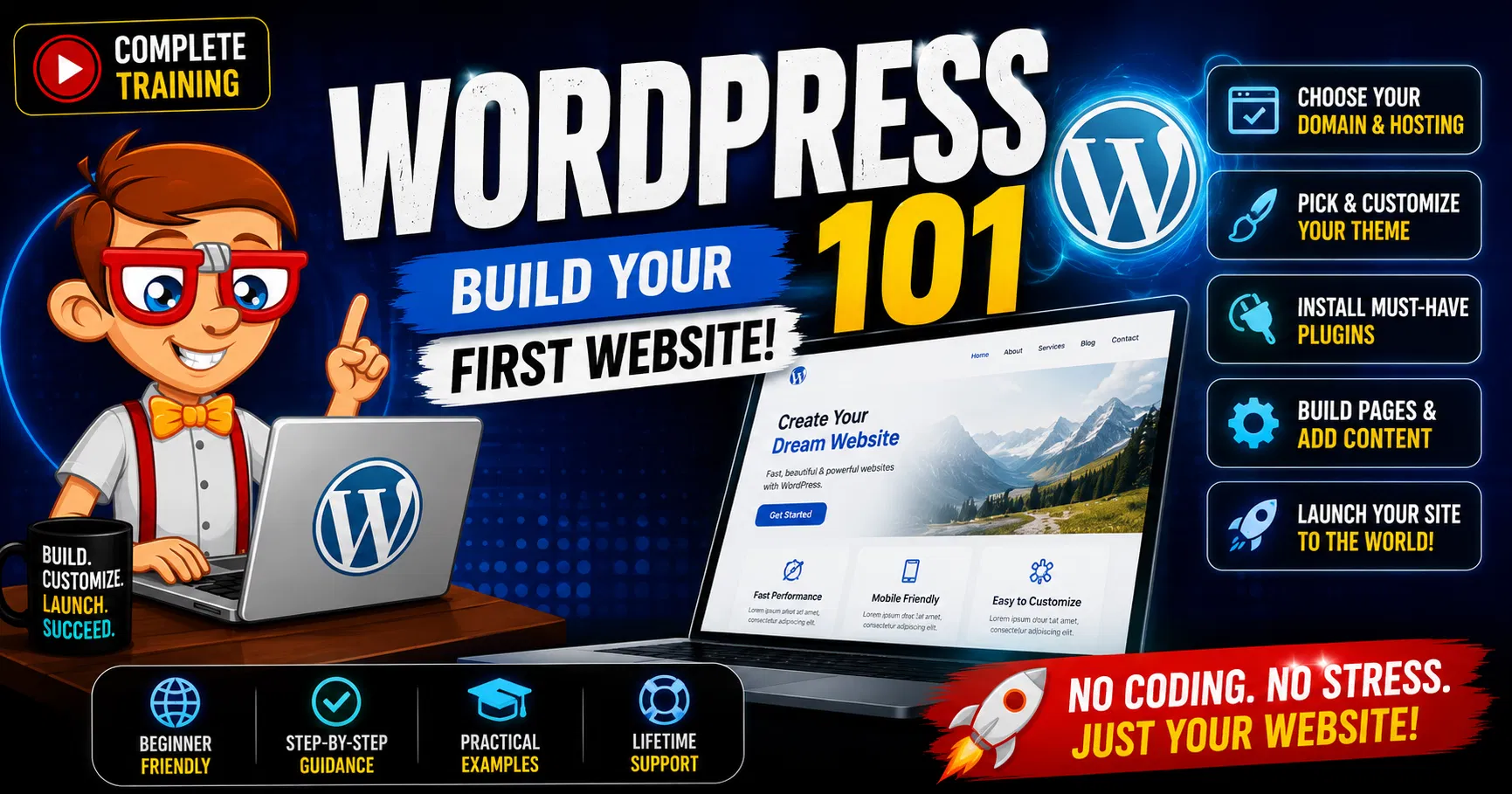
Wordpress 101: Build Your First Website
Welcome to "Wordpress 101: Build Your First Website," where you'll learn everything you need to set up and manage your own Wordpress site using Blue Host. This beginner-friendly course will guide you through the fundamental aspects of Wordpress, from installation to creating your first post and page. (Even If Your Not Using Blue Host This Will help!)
Course Outline:
Setting Up A Wordpress Site With Blue Host: Learn how to choose a hosting plan, register a domain, and install Wordpress with Blue Host.
Your Basic Wordpress Settings: Configure essential settings to ensure your site runs smoothly.
Wordpress Dashboard Overview: Get acquainted with the Wordpress dashboard and its features.
Plugins For Wordpress: Discover must-have plugins to enhance your site's functionality.
Using Default Themes Part 1: Explore the basics of customizing default Wordpress themes.
Using Default Themes Part 2: Dive deeper into theme customization and optimization.
Creating Wordpress Posts: Learn how to write, format, and publish blog posts.
Creating A Wordpress Page: Understand the differences between posts and pages, and create your first page.
Creating A Contact Us Form: Set up a contact form to connect with your visitors.
By the end of this course, you'll have a fully functional Wordpress site and the confidence to manage it effectively.