Master the Essentials of Wordpress and Launch Your Website with Confidence
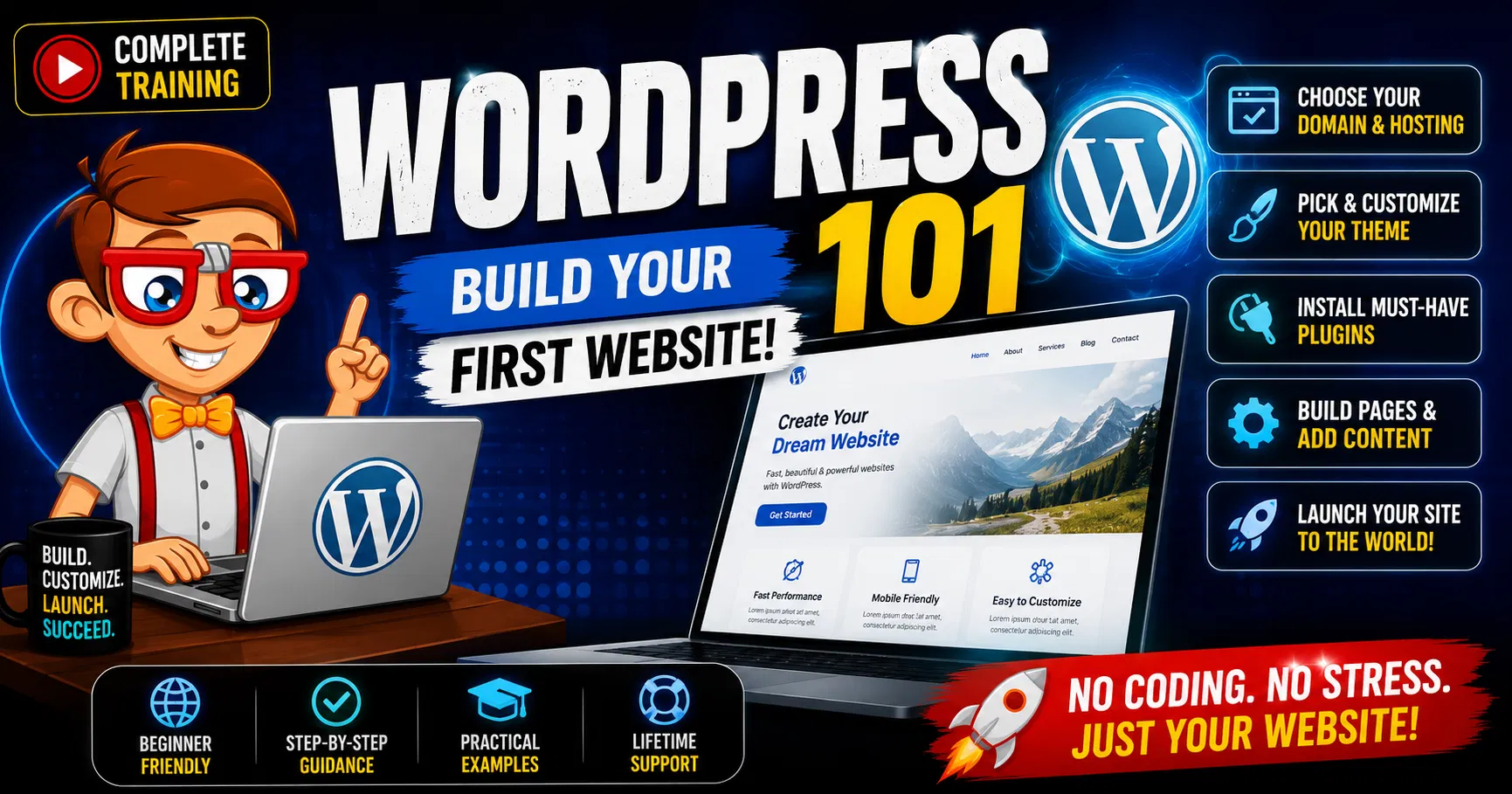
Welcome to "Wordpress 101: Build Your First Website," where you'll learn everything you need to set up and manage your own Wordpress site using Blue Host. This beginner-friendly course will guide you through the fundamental aspects of Wordpress, from installation to creating your first post and page. (Even If Your Not Using Blue Host This Will help!)
Setting Up A Wordpress Site With Blue Host: Learn how to choose a hosting plan, register a domain, and install Wordpress with Blue Host.
Your Basic Wordpress Settings: Configure essential settings to ensure your site runs smoothly.
Wordpress Dashboard Overview: Get acquainted with the Wordpress dashboard and its features.
Plugins For Wordpress: Discover must-have plugins to enhance your site's functionality.
Using Default Themes Part 1: Explore the basics of customizing default Wordpress themes.
Using Default Themes Part 2: Dive deeper into theme customization and optimization.
Creating Wordpress Posts: Learn how to write, format, and publish blog posts.
Creating A Wordpress Page: Understand the differences between posts and pages, and create your first page.
Creating A Contact Us Form: Set up a contact form to connect with your visitors.
By the end of this course, you'll have a fully functional Wordpress site and the confidence to manage it effectively.
Understand Web Hosting and Domain Registration:
Gain knowledge on selecting and setting up web hosting with Blue Host.
Learn how to register a domain name and connect it to your hosting account.
Configure Basic Wordpress Settings:
Navigate the initial setup process of Wordpress.
Configure essential settings to optimize site performance and security.
Familiarize with the Wordpress Dashboard:
Identify and understand the different sections and tools available in the Wordpress dashboard.
Customize your dashboard for easier site management.
Install and Manage Plugins:
Learn how to search for, install, and configure plugins to add new features to your site.
Understand how to manage and update plugins effectively.
Customize Default Themes:
Explore the options for personalizing default Wordpress themes.
Utilize theme customization tools to create a unique look for your site.
Create and Manage Posts:
Write, format, and publish blog posts.
Use categories and tags to organize content.
Create and Manage Pages:
Understand the difference between posts and pages.
Create static pages such as About Us, Services, and more.
Set Up a Contact Form:
Install and configure a contact form plugin.
Customize the contact form fields to gather specific information from visitors.